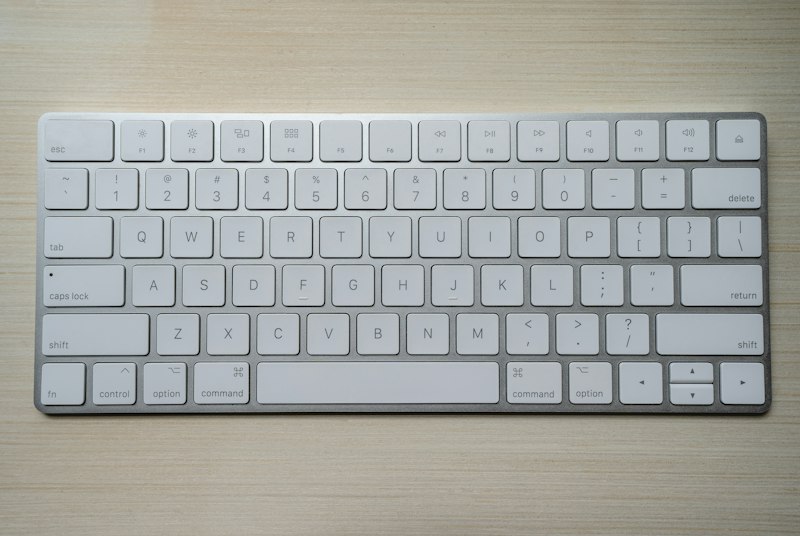
Types of Keyboard Issues
Keyboard problems fall into a few broad categories. Physical damage — keys that have popped off, broken hinges, or snapped caps — is the most obvious kind. The repair approach here depends on the laptop model: some keyboards allow individual key replacement, while others require the full keyboard assembly to be swapped.
Input failures — keys that don't register, type the wrong character, or repeat unintentionally — can have hardware or software causes. We rule out software-related causes first (driver updates, accessibility settings, language input configuration) before replacing hardware.
Liquid damage to a keyboard typically falls somewhere between the two: corrosion from spilled liquids can cause intermittent faults or complete failure, and the repair depends on the extent of the damage.
Common Symptoms
- One or more keys physically broken or missing
- Keys that don't respond when pressed
- Keys that type incorrect characters
- Keyboard input intermittently stops working
- Entire keyboard unresponsive (but external USB keyboard works)
- Trackpad clicks not registering or cursor jumping
- Keyboard lighting not working (on backlit models)
Individual Keys vs. Full Replacement
For isolated physical damage — a single key cap that has come off — it's sometimes possible to reattach or replace just that cap and the underlying scissor mechanism. This depends on whether the part is available and whether the hinge assembly is intact.
For widespread damage, input failures, or liquid-related faults, full keyboard assembly replacement is often the more reliable path. The keyboard assembly on most laptops is a standalone component that can be swapped as a unit.
Trackpad Issues
Trackpad problems sometimes accompany keyboard issues, particularly after liquid damage or when there's a fault in the top case assembly. We assess the trackpad separately and can address click failures, cursor accuracy issues, and gesture recognition problems as part of the same repair if needed.
Turnaround
Single-key repairs, if parts are available, can often be completed the same day. Full keyboard assembly replacements typically take 1–2 business days depending on parts. We'll confirm timing when you bring the laptop in.